Windows 365 Link: secure access to your Cloud PC
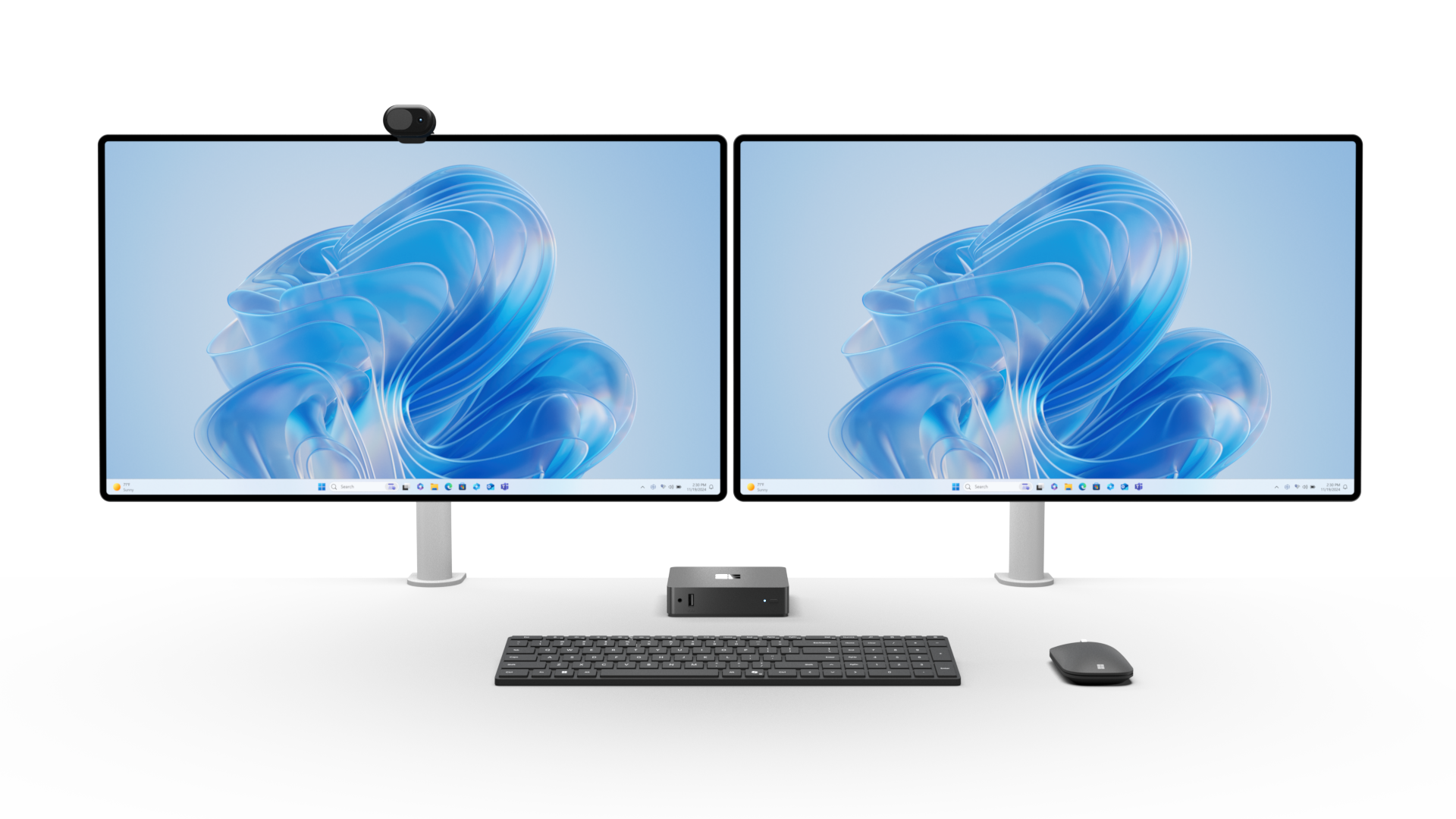
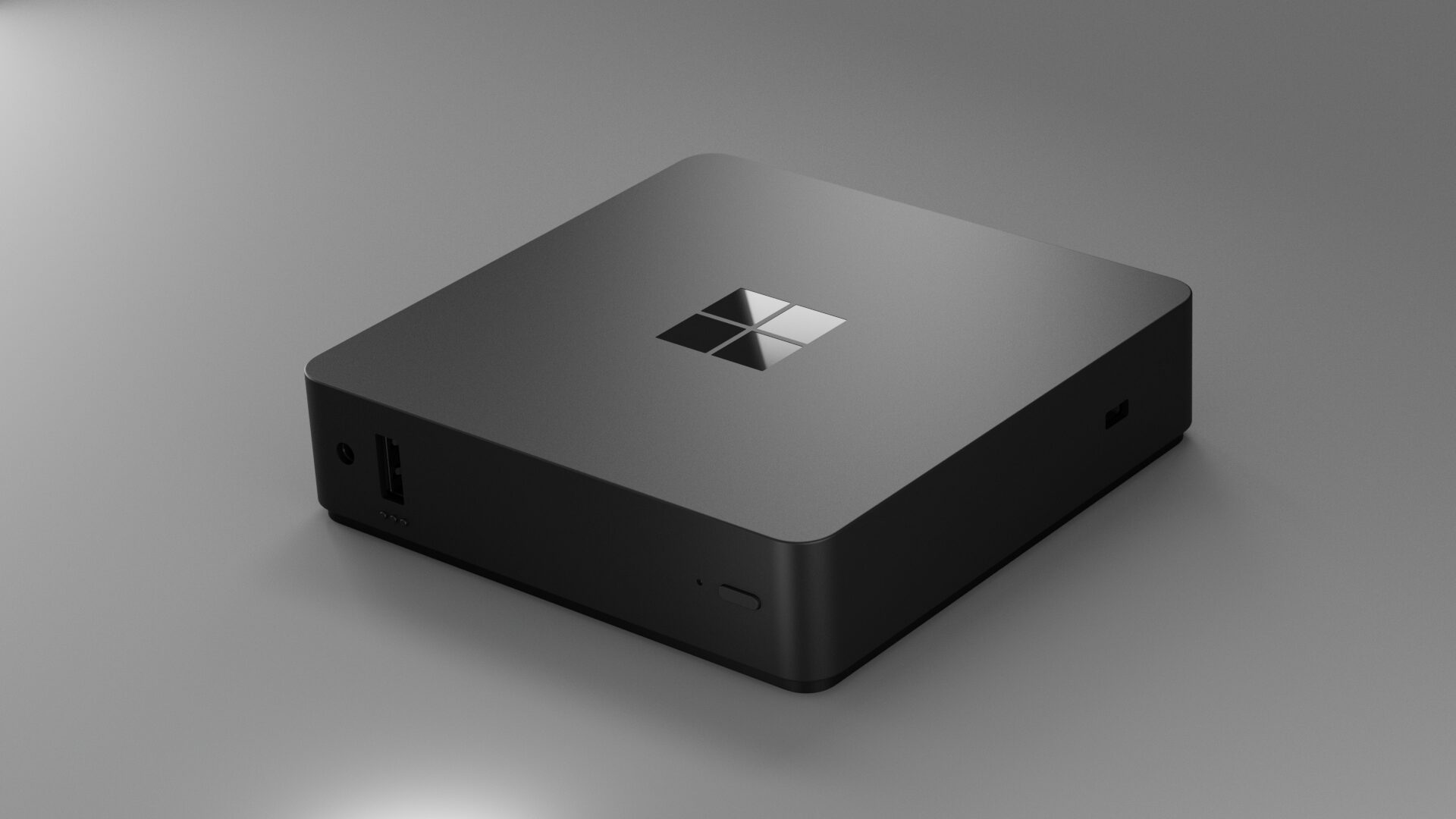
Windows 365 Link is a Cloud PC terminal designed for use with Microsoft’s Windows 365. It quickly connects users to their personal Cloud PC work environment without the need for locally stored work files or locally installed work applications.
In a nutshell: Designed specifically for the Windows 365 environment (Cloud PC).
No local user data, no local applications, no local admin user.
Sign in with Microsoft Entra ID and manage with
Microsoft Intune. Supports two 4K displays and is fanless.
What does Windows 365 Link solve?
The concept behind Windows 365 Link is simple: the Windows desktop, apps, and files are in the cloud, and Link serves as a secure, managed endpoint for Cloud PC.
This makes Link a natural choice for environments where the goal is to standardize endpoints, reduce endpoint-related maintenance, and minimize the risk of data being “left on the device.”
Typical use cases
Shared workstations and shift work (e.g., call centers, rotating workstations): The user logs in and is assigned their own cloud desktop.
Front-line and production environments (factory, warehouse, hospital): maintenance-free, fanless devices with no local data.
Office workstations and standardization: a uniform endpoint portfolio and centralized management.
When a workstation is shared or remains in one location, Link + Windows 365 Cloud PC can cost-effectively replace traditional shared or static devices, since the user-specific work environment remains in the cloud and the device remains consistent.
Information security and manageability
Security “by design”
Windows 365 Link is designed to minimize the attack surface: no local data, no local admin user, and security features enabled by default.
Integrating Management into Existing Device Management
The device registers with Intune and joins Entra ID during its first startup, allowing it to be managed centrally in accordance with the organization’s policies.
Sustainability and energy efficiency
Windows 365 Link is ENERGY STAR certified and comes in 100% paper-based packaging.
The device contains at least 63% recycled material.
Link is designed to be durable and repairable, which supports a longer service life for the devices and reduces the need for replacement.
According to Microsoft’s documentation, the device will receive driver, firmware, and operating system updates for at least 6 years after its initial release.
Purchasing a Windows 365 Link device
Windows 365 Link is distributed through the enterprise channel by Microsoft and authorized resellers. Cloud PCS acts as an authorized reseller of Link devices in Finland, and we supply the devices as well as the complete package (Link + Windows 365 Cloud PC) upon request, depending on your needs.
Windows 365 Link was launched in the Finnish market during the Microsoft Virtualization Days 2026 event on March 19, 2026.
Technical specifications and requirements
Technical Specifications
Processor: Intel Processor N250
Memory: 8 GB LPDDR5
Storage: 64 GB UFS (for the operating system)
Networking: 1.0 Gbit/s Ethernet, Wi-Fi 6E, Bluetooth 5.3
Displays: up to two 4K displays
Ports: USB-A (3), USB-C (1), DisplayPort, HDMI, 3.5 mm audio, Kensington lock, VESA 100
Operating system: Windows CPC, automatic updates, and at least six years of update support from the initial release (April 2, 2025)
View the official technical specifications for the Windows 365 Link device on Microsoft Learn.
Deployment
Requirements for
Windows 365 (Cloud PC) Subscribers: Microsoft Intune management and Microsoft Entra ID
; a working internet connection (cloud-based use)
See the Windows 365 Link FAQ page for answers to questions about device procurement, deployment, management, and compatibility.
Windows 365 Link from Cloud PCS
Cloud PCS is a Microsoft Windows 365 Link Authorized Reseller in Finland. We supply Windows 365 Link devices to organizations both as part of our Cloud PC service and as standalone hardware deliveries. We help you choose the right solution for your needs and take into account the requirements for deploying the device.
The Link device is particularly well-suited for organizations that want to provide users with a fast-loading, centrally managed connection to a personal Cloud PC work environment. Work and organizational data are stored on the Cloud PC, so users do not need to rely on locally stored applications and files.
In addition to device delivery, Cloud PCS assists with planning Windows 365 licensing, the Cloud PC environment, and Microsoft Intune management. The solution can be implemented for individual workstations or on a larger scale, for example, in offices, production facilities, warehouses, customer service centers, and other shared workstations.
Purchasing and implementing Windows 365 Link
To set up Windows 365 Link, users need a suitable Windows 365 subscription, a Cloud PC environment, and the organization’s Microsoft Intune and Microsoft Entra ID management. Cloud PCS can deliver a device to an existing Windows 365 environment or as part of a broader Cloud PC service package. Before delivery, we can verify the number of users, workstation usage patterns, peripherals, network connections, and required access rights. If needed, Cloud PCS can also assist with delivery planning, deployment preparation, and assessing the needs for ongoing environment management.